
Building a Claude App with TypeScript: Your First Step-by-Step Guide
Focus keyword: building Claude app with TypeScript
If you’re a developer looking to build AI-powered applications, Claude by Anthropic offers one of the most capable large language models available today. In this tutorial, you’ll learn the practical steps for building a Claude app with TypeScript using the official Node.js SDK. By the end, you’ll have a working application running on your local machine—complete with proper error handling and a real-world integration.
▶Previous tutorial : Claude App Tutorial: Getting Started with Claude and Python SDK
What You’ll Build and Who This Is For
This tutorial walks you through creating a TypeScript application that uses Claude to summarize text files. You’ll learn how to:
- Set up the official Anthropic SDK in a TypeScript project
- Authenticate with the Claude API securely
- Send messages to Claude and process responses
- Handle errors gracefully
- Integrate Claude with your file system for practical use
This tutorial is for you if:
- You’re comfortable with basic JavaScript or TypeScript
- You have Node.js installed (or are willing to install it)
- You want hands-on experience with AI APIs, not just theory
- You’re building automation workflows, chatbots, or AI-enhanced tools
You don’t need prior experience with AI APIs—just curiosity and a willingness to follow step-by-step instructions.
Prerequisites and Setup Requirements
Before you start building your Claude app with TypeScript, make sure you have:
Required:
- Node.js 20 LTS or later installed on your machine (the SDK requires Node.js 20+)
- npm (comes with Node.js) or yarn for package management
- TypeScript 4.9 or higher (we’ll install this if needed)
- A text editor or IDE (VS Code recommended for TypeScript support)
- An Anthropic account with API access
To verify your Node.js version, open your terminal and run:
node --versionIf you see a version number below 20, download the latest LTS version from the official Node.js website before proceeding.
Getting your Claude API key:
You’ll need an API key from Anthropic to make requests to Claude. Visit the Anthropic console to create an account and generate your API key. Keep this key secure—you’ll use it shortly.
Before following installation steps, check the latest official documentation because setup methods may change, especially regarding API access availability and any usage limits for new accounts.
Installing the Claude TypeScript SDK
For the latest official details, see official Anthropic SDK.

Let’s create a new TypeScript project and install the official Anthropic SDK.
Step 1: Create your project folder
mkdir claude-file-summarizer
cd claude-file-summarizer
Step 2: Initialize a Node.js project
npm init -yThis creates a package.json file with default settings.
Step 3: Install TypeScript and required dependencies
npm install typescript @types/node --save-dev
npm install @anthropic-ai/sdk dotenv
Here’s what each package does:
typescriptand@types/node: Enable TypeScript support and Node.js type definitions@anthropic-ai/sdk: The official TypeScript SDK for the Anthropic APIdotenv: Loads environment variables from a.envfile (for secure API key storage)
Step 4: Create a TypeScript configuration
Create a file named tsconfig.json in your project root:
{
  "compilerOptions": {
    "target": "ES2020",
    "module": "commonjs",
    "lib": ["ES2020"],
    "outDir": "./dist",
    "rootDir": "./src",
    "strict": true,
    "esModuleInterop": true,
    "skipLibCheck": true,
    "forceConsistentCasingInFileNames": true
  },
  "include": ["src/**/*"],
  "exclude": ["node_modules"]
}
Step 5: Create your project structure
mkdir src
touch src/index.ts
touch .env
touch .gitignore
Add this to your .gitignore file to prevent exposing your API key:
node_modules/
dist/
.env
Securing Your API Key with Environment Variables
Never hardcode API keys in your source code. Instead, use environment variables.
Open your .env file and add:
ANTHROPIC_API_KEY=your_api_key_hereReplace your_api_key_here with the actual API key you obtained from the Anthropic console. The SDK is designed to read this environment variable automatically when you use process.env['ANTHROPIC_API_KEY'].
This approach keeps your credentials secure and makes it easy to use different keys for development and production environments without changing code.
Your First Node.js Claude Integration
Now let’s write code that connects to Claude and sends a simple message.
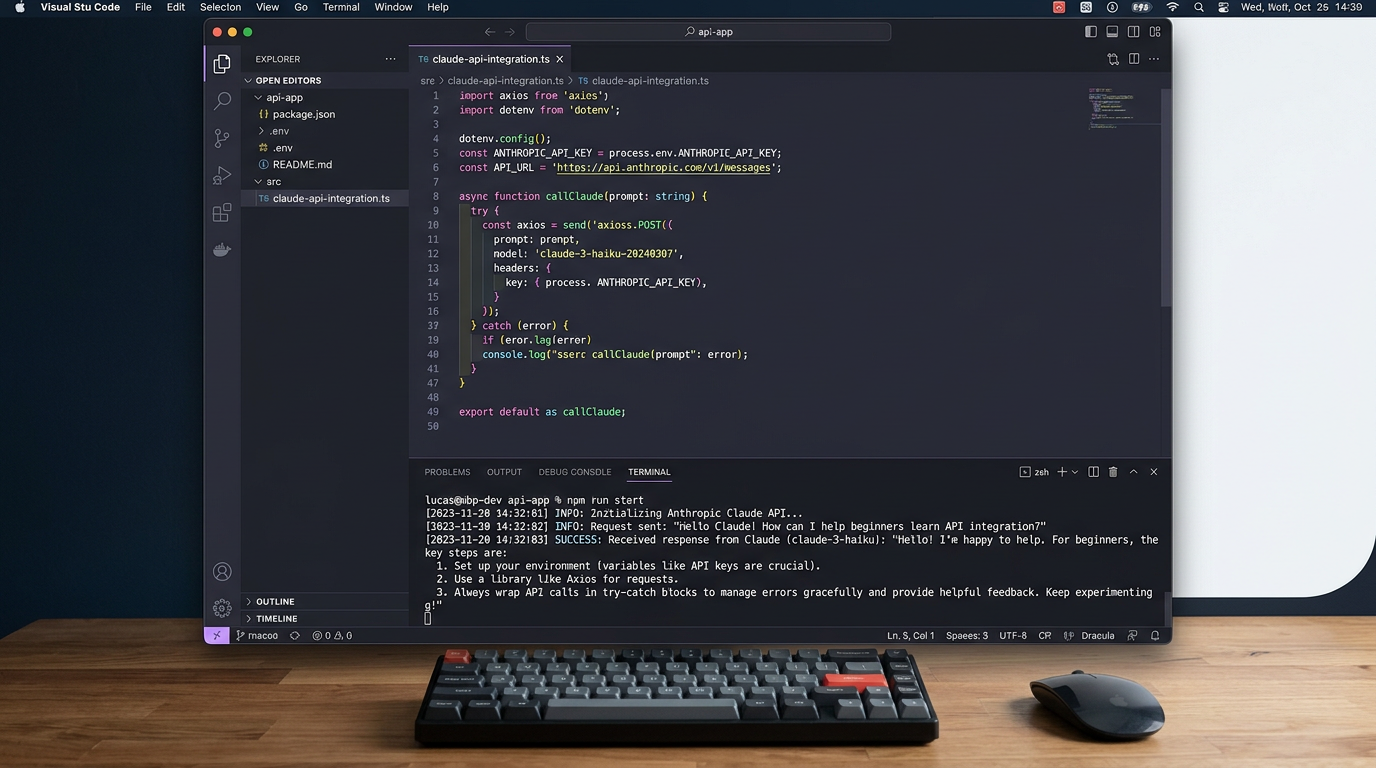
Open src/index.ts and add:
import Anthropic from '@anthropic-ai/sdk';
import * as dotenv from 'dotenv';

// Load environment variables from .env file
dotenv.config();

// Initialize the Anthropic client
const client = new Anthropic({
  apiKey: process.env['ANTHROPIC_API_KEY'],
});

async function testClaudeConnection() {
  try {
    const message = await client.messages.create({
      model: 'claude-3-5-sonnet-20241022', // Check official docs for current model names
      max_tokens: 1024,
      messages: [
        {
          role: 'user',
          content: 'Hello, Claude! Please respond with a brief greeting.',
        },
      ],
    });

    console.log('Claude responded:');
    console.log(message.content);
  } catch (error) {
    console.error('Error calling Claude API:', error);
  }
}

testClaudeConnection();
What this code does:
- Imports the Anthropic SDK and dotenv for environment variable management
- Loads your
.envfile usingdotenv.config() - Creates a new Anthropic client instance with your API key
- Defines an async function that sends a message to Claude
- Uses
client.messages.create()with required parameters:model,max_tokens, andmessages - Catches and logs any errors that occur
Run your first Claude app:
Add a build and start script to your package.json:
"scripts": {
  "build": "tsc",
  "start": "node dist/index.js",
  "dev": "tsc && node dist/index.js"
}
Then run:
npm run devIf everything is configured correctly, you’ll see Claude’s response printed to your console. If you encounter errors, check that your API key is correct and that you’re using a supported model name from the latest official documentation.
Building a Practical File Summarizer Integration
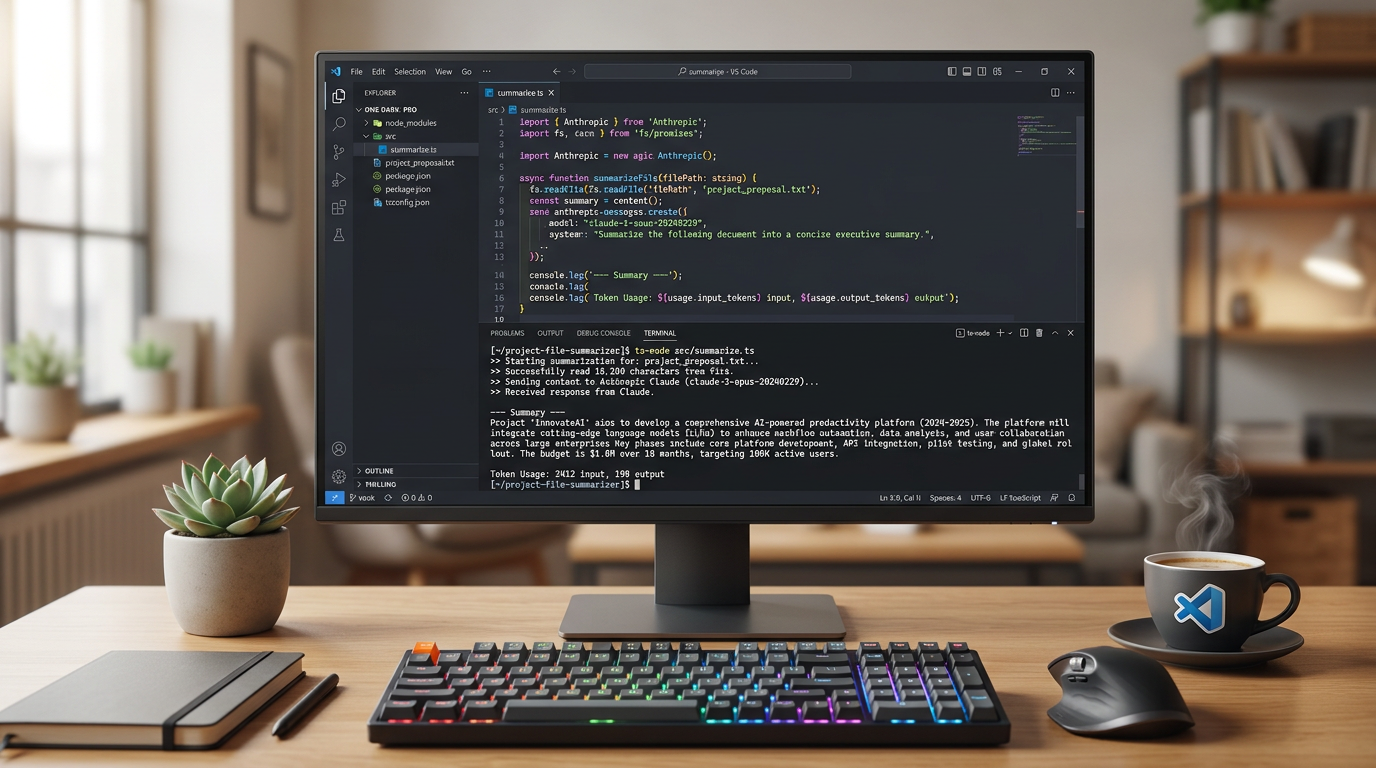
Let’s extend our basic example into something more useful: a file summarizer that reads text files and generates concise summaries using Claude.
Step 1: Create a sample text file
Create a file named sample.txt in your project root with some text:
Artificial intelligence has transformed software development dramatically over the past few years.
Developers now have access to AI models that can write code, debug programs, and explain complex
technical concepts. These capabilities enable faster development cycles and help developers learn
new technologies more efficiently. However, understanding how to integrate these AI tools effectively
requires knowledge of APIs, SDKs, and best practices for prompt engineering.
Step 2: Update your TypeScript code
Replace the contents of src/index.ts with this complete file summarizer:
import Anthropic from '@anthropic-ai/sdk';
import * as dotenv from 'dotenv';
import * as fs from 'fs';
import * as path from 'path';

dotenv.config();

const client = new Anthropic({
  apiKey: process.env['ANTHROPIC_API_KEY'],
});

async function summarizeFile(filePath: string): Promise<void> {
  try {
    // Read the file content
    const fullPath = path.resolve(filePath);
    const fileContent = fs.readFileSync(fullPath, 'utf-8');

    console.log(`Summarizing file: ${filePath}`);
    console.log(`File length: ${fileContent.length} characters\n`);

    // Send to Claude for summarization
    const message = await client.messages.create({
      model: 'claude-3-5-sonnet-20241022',
      max_tokens: 1024,
      messages: [
        {
          role: 'user',
          content: `Please provide a concise summary of the following text:\n\n${fileContent}`,
        },
      ],
    });

    // Extract and display the summary
    const summary = message.content[0];
    if (summary.type === 'text') {
      console.log('Summary:');
      console.log(summary.text);
      console.log(`\nTokens used: ${message.usage.input_tokens} input, ${message.usage.output_tokens} output`);
    }
  } catch (error) {
    if (error instanceof Anthropic.APIError) {
      console.error(`API Error: ${error.status} - ${error.message}`);
    } else if (error instanceof Error) {
      console.error(`Error: ${error.message}`);
    } else {
      console.error('Unknown error occurred');
    }
  }
}

// Get file path from command line argument or use default
const filePath = process.argv[2] || 'sample.txt';
summarizeFile(filePath);
Step 3: Run the file summarizer
npm run devYou can also specify a different file:
npm run dev path/to/your/file.txtWhat makes this practical:
- Real integration: Connects Claude with your local file system
- Token tracking: Shows API usage for cost monitoring
- Error handling: Catches API errors and file system errors separately
- Extensibility: Easy to modify for batch processing or different file types
Common Beginner Mistakes and How to Avoid Them
For the latest official details, see Claude Agent SDK Migration Guide.
For the latest official details, see @anthropic-ai/bedrock-sdk.
1. Exposing API keys in code or version control
Never commit your .env file. Always add it to .gitignore. The SDK disables browser usage by default to avoid accidentally exposing credentials—server-side usage is the recommended approach.
2. Using outdated model names
Model names change as Anthropic releases new versions. Always check the official API documentation for current model names rather than copying old examples. If you receive an error about an invalid model, this is likely the cause.
3. Ignoring token limits and costs
Each API call consumes tokens (both input and output) and costs money. The max_tokens parameter limits output length. Monitor your usage through the response’s usage field, and check current pricing on the official Anthropic pricing page to understand costs.
4. Not handling errors properly
API calls can fail for many reasons: network issues, rate limits, invalid requests, or insufficient credits. Always wrap API calls in try-catch blocks and handle Anthropic.APIError specifically to access status codes and detailed error messages.
5. Confusing different Anthropic packages
There are several Anthropic-related packages:
@anthropic-ai/sdk: The main SDK for direct API access (what this tutorial uses)@anthropic-ai/bedrock-sdk: For using Claude via Amazon Bedrock@anthropic-ai/claude-agent-sdk: For building agent-style applications@ai-sdk/anthropic: Third-party Vercel AI SDK integration
Make sure you’re installing and importing the correct package for your use case.
Frequently Asked Questions
Do I need to pay to use the Claude API?
Check the official Anthropic pricing page for current pricing, free trial availability, and rate limits. Pricing varies by model, and you’ll be charged based on token usage.
Can I use this SDK in a browser application?
The SDK disables browser usage by default to prevent exposing API keys. For client-side applications, you should create a backend API that securely calls Claude on behalf of your frontend.
What’s the difference between streaming and non-streaming responses?
The examples in this tutorial use non-streaming responses, which wait for the complete response before returning. Streaming allows you to receive and display Claude’s response progressively as it’s generated. Check the official SDK documentation for streaming implementation details if your application needs real-time response display.
How do I handle multi-turn conversations?
Add conversation history to the messages array. Each message should have a role (‘user’ or ‘assistant’) and content. Claude uses this context to maintain conversation continuity.
What if my Node.js version is below 20?
The current Anthropic TypeScript SDK requires Node.js 20 LTS or later. Upgrade your Node.js installation to avoid compatibility issues.
Next Steps for Building Claude Apps
You’ve successfully built a working Claude app with TypeScript that integrates with your local file system. Here’s how to extend it further:
Add streaming responses for better user experience in interactive applications. The SDK supports streaming via async iterators—check the official documentation for implementation examples.
Build a CLI chat application by adding a readline loop that accepts user input and maintains conversation history across multiple exchanges.
Integrate with APIs instead of files. Replace the file reading with HTTP requests to summarize web pages, process API responses, or enhance data pipelines.
Implement retry logic for production robustness. Add exponential backoff when hitting rate limits or temporary network errors.
Explore system prompts to give Claude specific roles or behaviors that apply to all messages in a conversation.
The official Anthropic API reference provides complete documentation on advanced features like tool use, vision capabilities, and fine-tuned prompt engineering strategies. Now that you understand the basics of building a Claude app with TypeScript, you have the foundation to explore these more sophisticated capabilities and build powerful AI-enhanced applications.
Enjoyed this article?